Importing to an IDE
- Overview
- Eclipse IDE
- IntelliJ IDEA
- NetBeans IDE
- VS Code
In NetBeans, select .
Select the folder containing the Maven project you want to import.
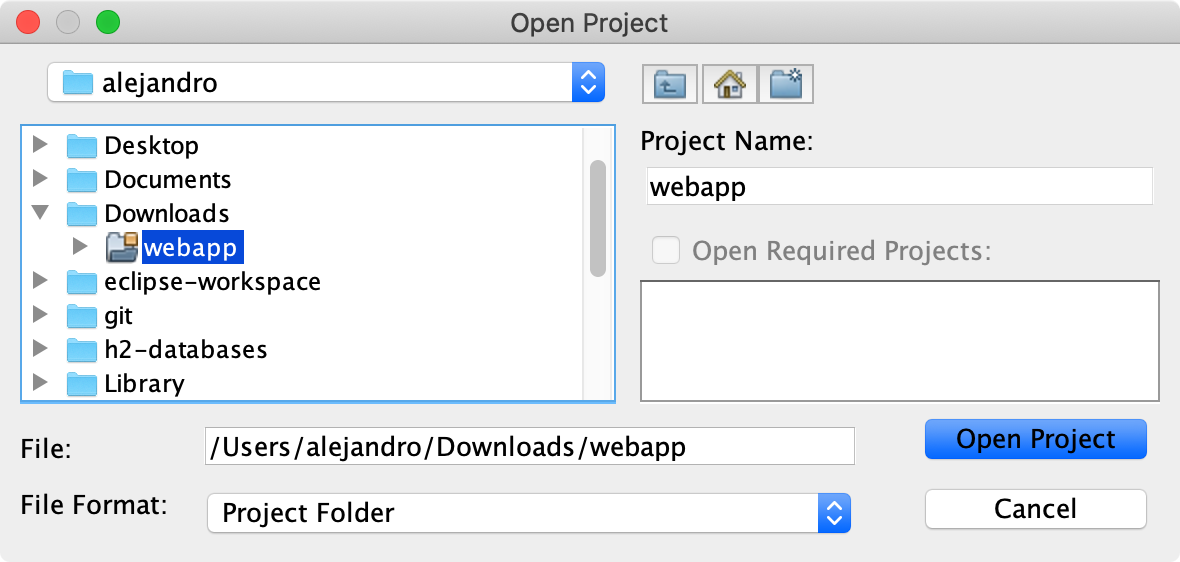
Click Open Project to complete the process.
In NetBeans, select .
Select the folder containing the Maven project you want to import.
Click Open Project to complete the process.