Importing to an IDE
In VS Code, select .
Select the folder containing the Maven project you want to import.
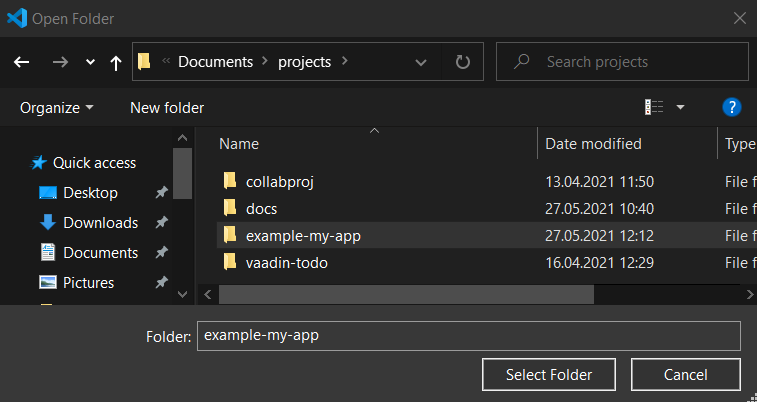
Click Select Folder.
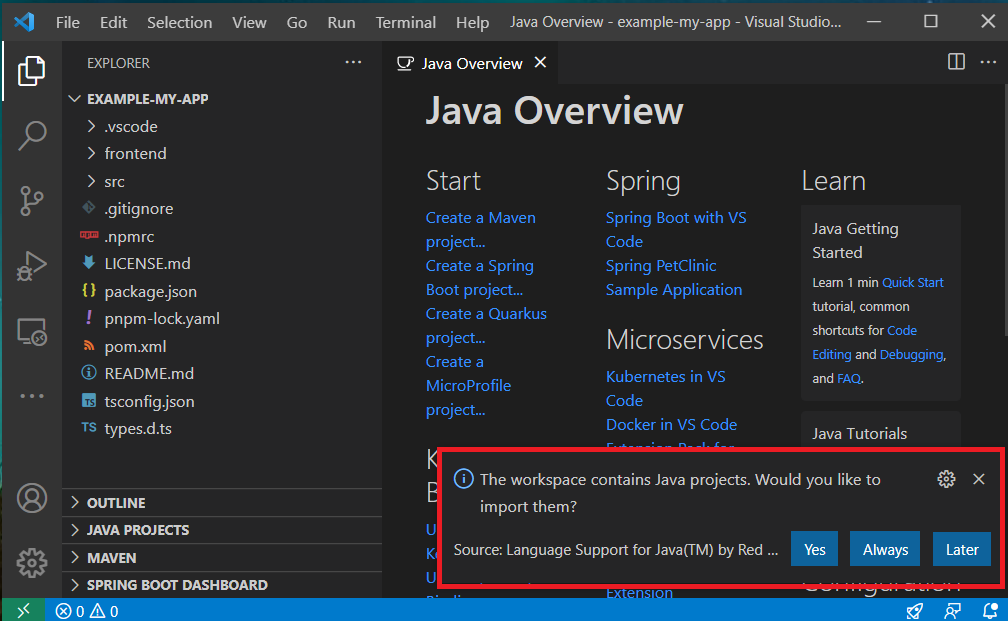
A notification may appear asking you whether you would like to import Java projects contained in this workspace. Click or .
VS Code may suggest that you install additional extensions. The following extensions are recommended for Vaadin:
Java Extension Pack
lit-plugin